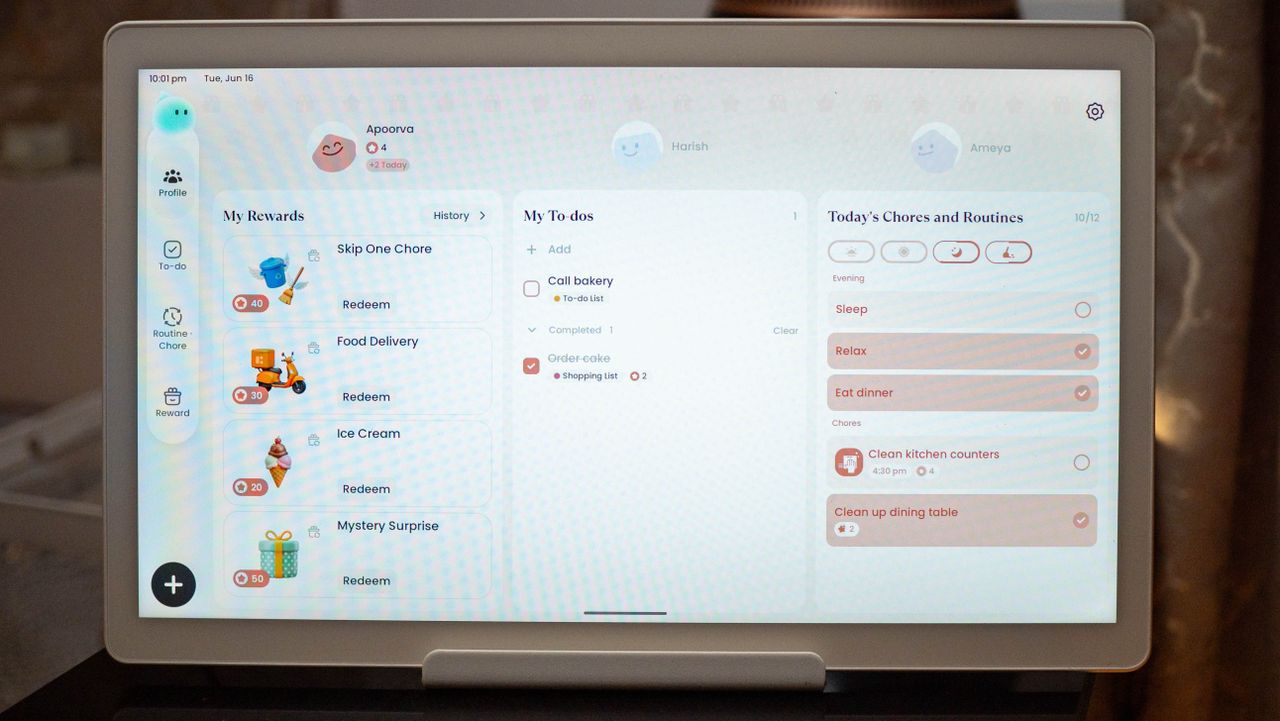
After three years of trying (and failing) to build any semblance of a schedule, we wanted to get a smart calendar to see if it made things any easier. And with our toddler set to start pre-school soon, we needed a way to plan the family schedule, add and change meal plans, have a shared to-do list, and just bring some level of organization to the daily routine.
There's a decent amount of choice if you're looking to get a smart calendar these days. Cozyla, Skylight, Hearth, and Amazon all make dedicated devices aimed at this category, and while I liked the look of the Skylight Frame, I wasn't keen on yet another subscription just to use a shared calendar, and the coincidentally, I got a review unit of the Cozyla Calendar+ 2, so that's what we ended up using.
I tested the 15.6-inch variant of the Cozyla Calendar+ 2, and it costs $349 on Amazon as of writing. There's also a 24-inch model that retails for $699, a 32-inch model that costs $899, and a 32-inch 4K option that is available for $1,099. The larger 24-inch and 32-inch models are good to consider if you're mounting the calendar on a wall, but if you want to just position it on the kitchen island (like we have), the 15.6-inch model is arguably the better choice — and it costs a lot less.
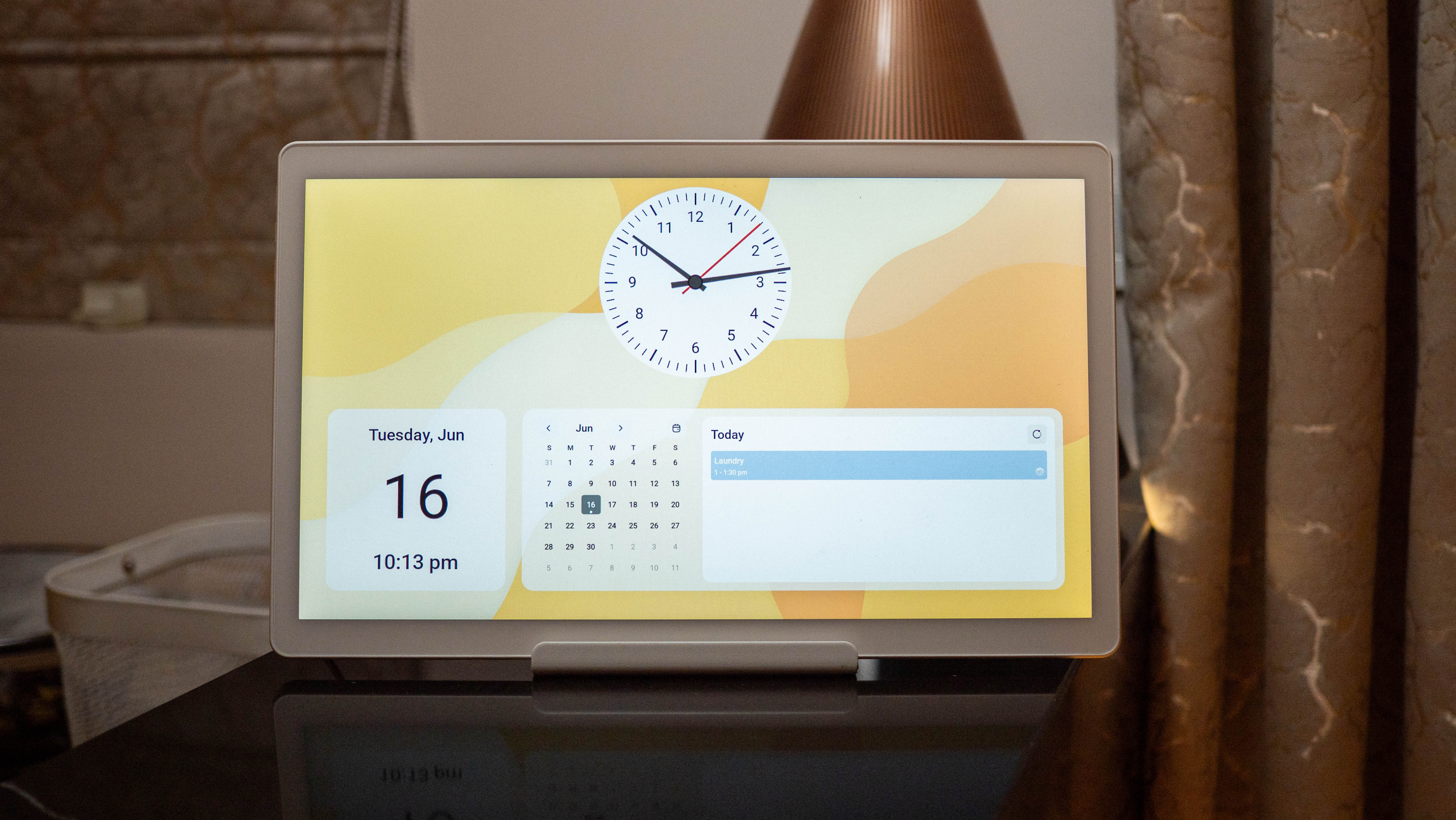
I'll get to the features in a little bit, but let's talk about the product itself. The Calendar+ 2 is sold in a white color option, and it houses a 15.6-inch 1080p panel with a standard 60Hz refresh and chunky bezels on the sides. The panel itself is decent enough; it doesn't come close to the clarity of most modern tablets like the Xiaomi Pad 8, but it gets the job done in this context. I would've preferred an anti-glare coating on the screen given the use case, but that's only available on the 24- and 32-inch models, which is annoying.
Coming to the hardware, the Calendar+ 2 is powered by a Rockchip RK3576, which has Arm's v7 Cortex A72 cores running at 2.11GHz and A53 cores at 1.91GHz. There's 4GB of RAM and 64GB of storage, with around 38GB available for use. You won't see something this old on a phone or tablet, but it is serviceable on a device that's ostensibly meant as a shared family calendar.
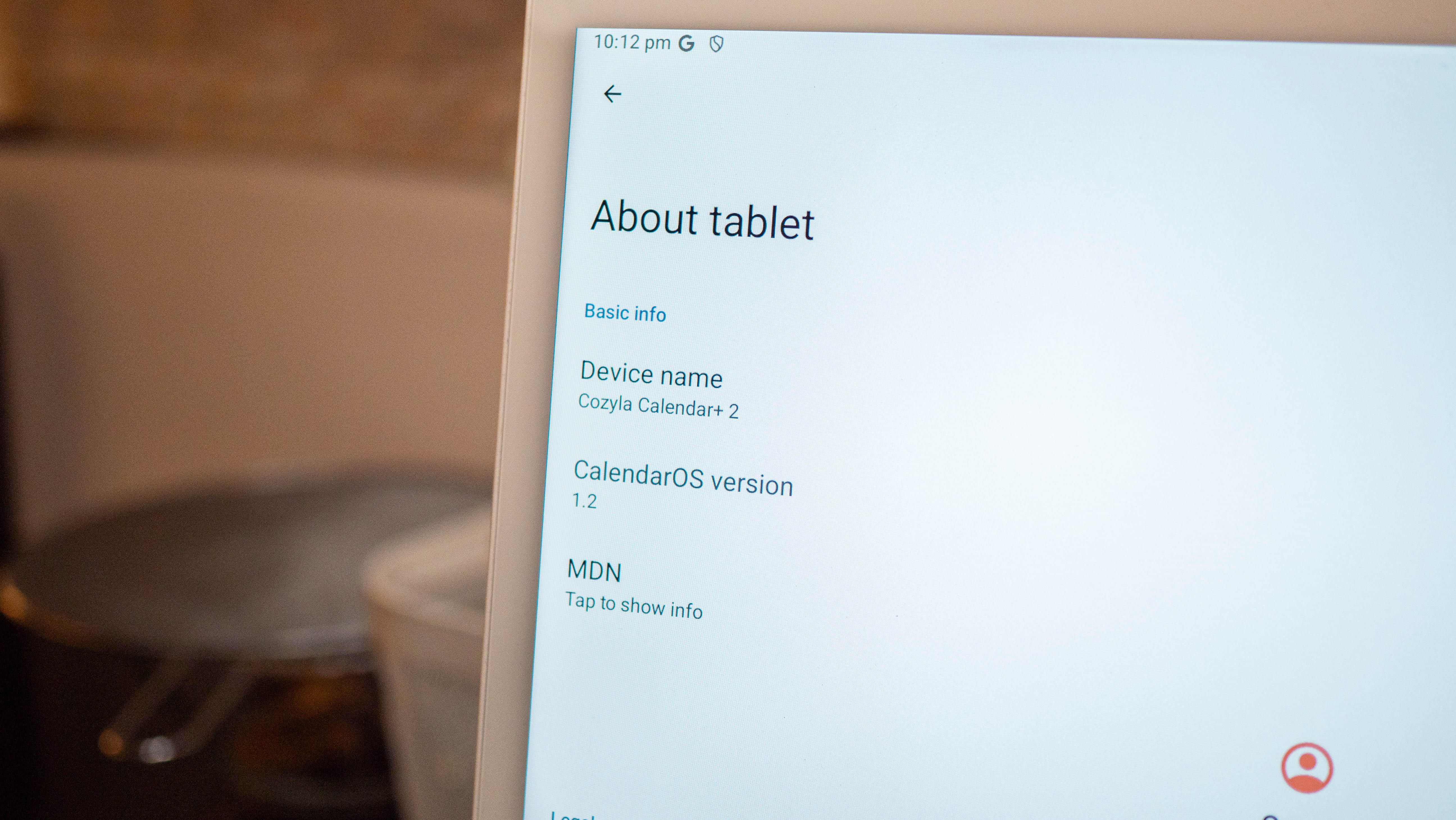
On the software front, you get Android 14 out of the box, and while the Calendar+ 2 runs Cozyla's custom CalendarOS, you have the Play Store, so there's the ability to install custom apps. This is a big enough differentiator, and while the hardware is decidedly entry-level, you can install YouTube, to-do list apps, and just about any productivity app on this device without any issues.
The interface was laggy when we set up the calendar, but it has gotten much better thanks to recent updates. The home page pulls up the calendar view with widgets for tasks and meals, and there are dedicated tabs: Calendar, Tasks, Meals, Notes, and Settings. You get an App Library that serves as the app drawer, and you can add widgets, apps, or folders to the home page and customize it as needed.
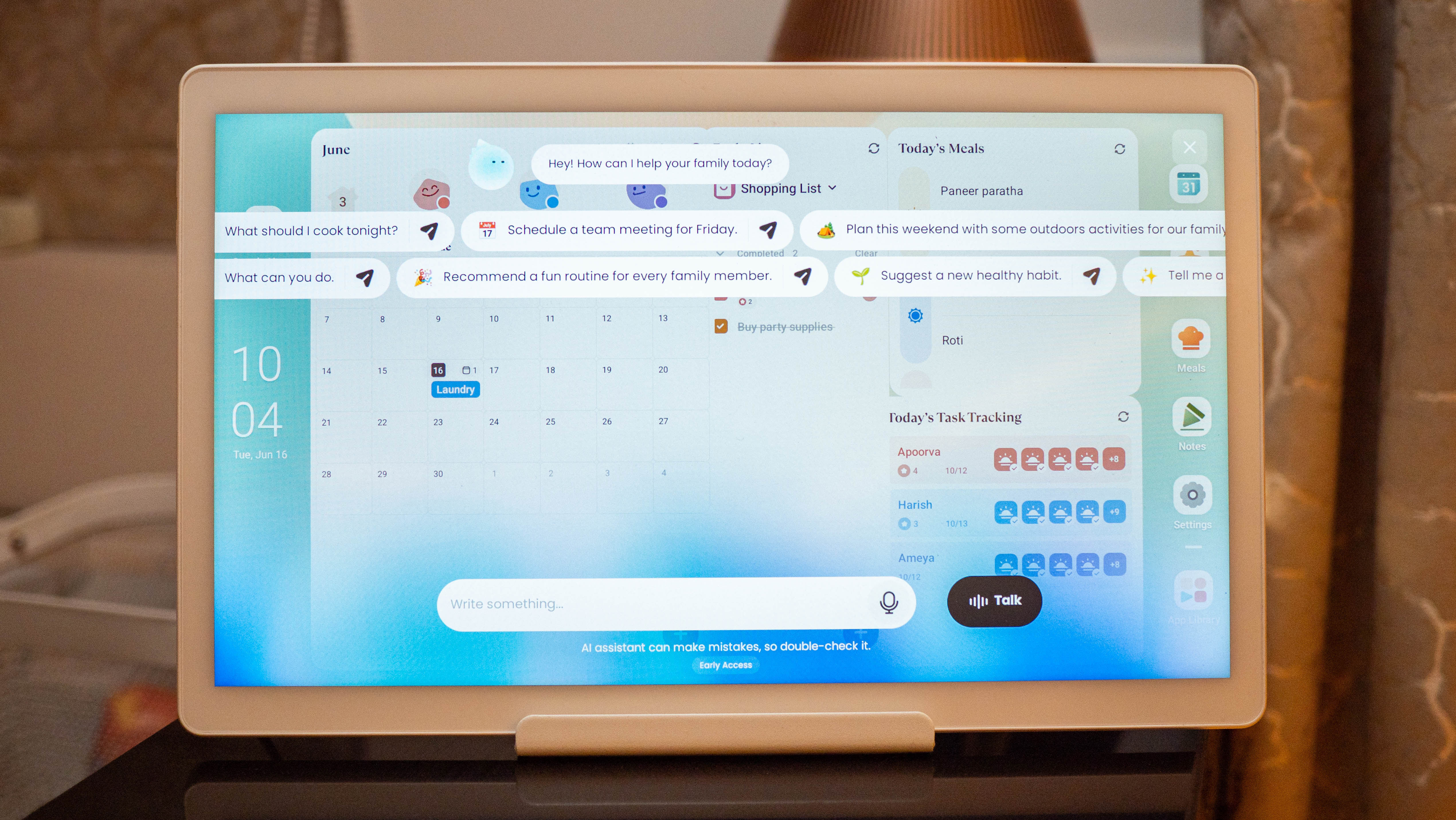
In fact, the biggest advantage to the Calendar+ is the sheer amount of customizability. You can install any app you want and tweak the interface to highlight the information that matters to you. We used the Calendar+ 2 predominantly for two things: meal planning and managing to-do lists.
Adding a meal plan to the calendar was an exercise in frustration — when we set it up a few months ago. The interface on the Cozyla itself was slow, and while a desktop app would be ideal, Cozyla still doesn't have that, so we manually added everything via our phones.
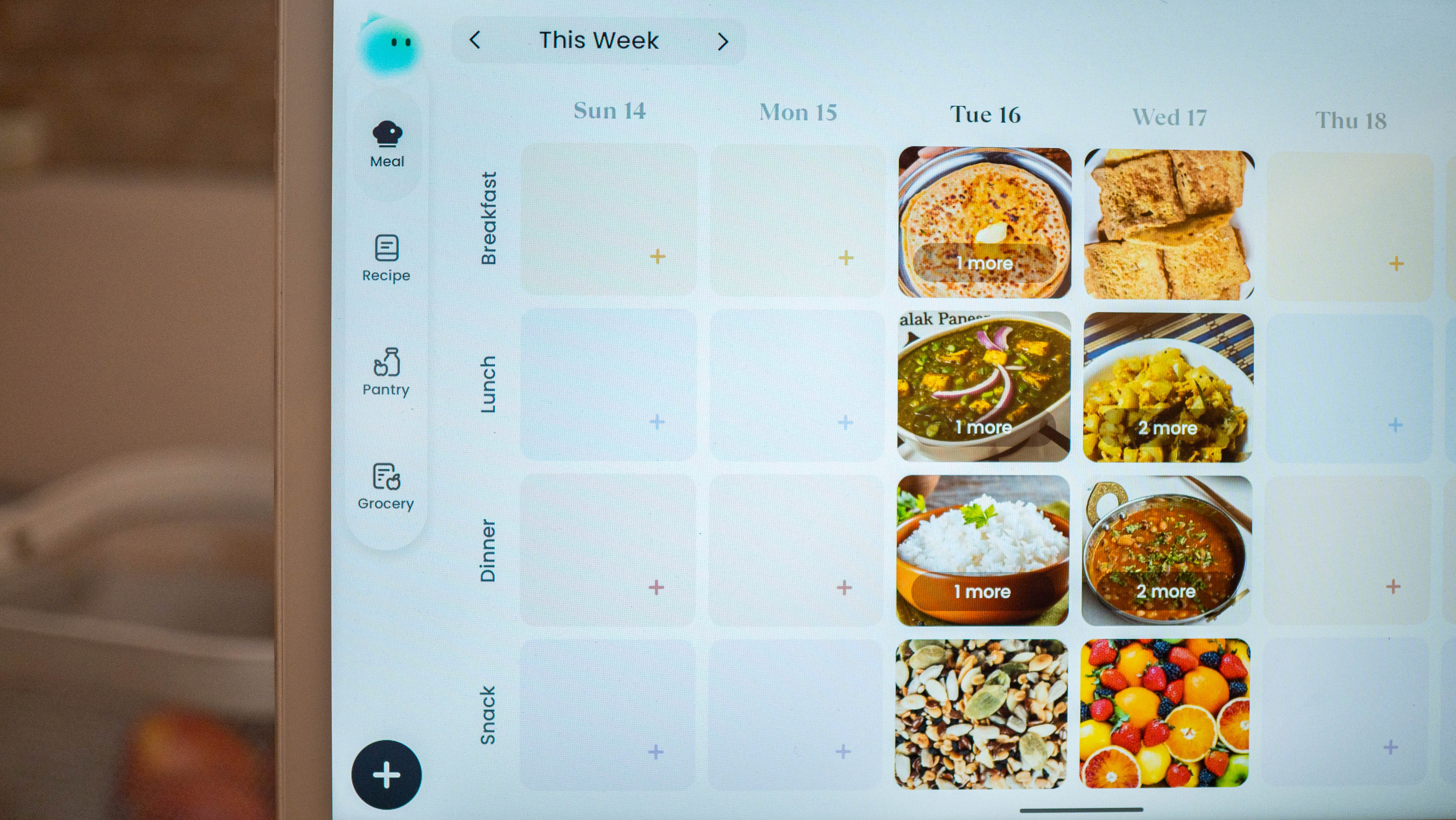
Now, this was only a problem because we added an Indian meal plan. Cozyla has a recipe database, but that mostly includes western dishes, and even Indian dishes like rotis, dal, or chutneys weren't available, so we had to add all of these individually. Having said that, Cozyla rolled out updates in the last two months that made a big difference. There's a decent selection of global dishes now, and that's good to see — it made adding new dishes to the meal plan that much easier.
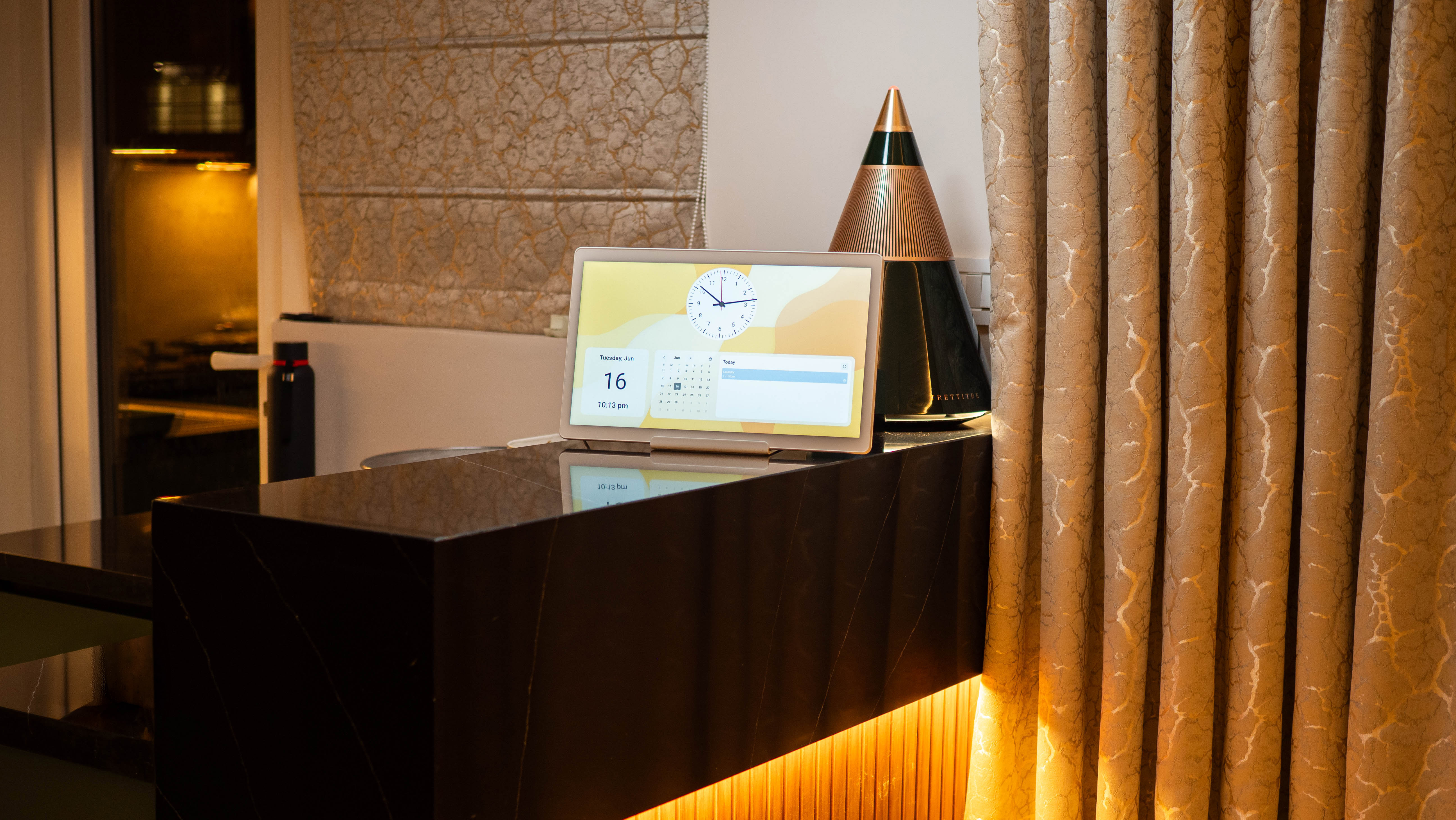
Setting up calendars is as easy as logging in to your account and syncing to the device. You can use Google, Apple, Outlook, Yahoo, and CalDAV as the providers, and it was relatively straightforward to link my Google calendar to the device. The best part of the calendar is the Tasks feature; it lets you add to-do lists and assign chores, and it made a big difference in how regularly I do the laundry.
We've been using this calendar for just under six months now, and honestly, I'm glad I waited before writing the review — the updates to the app and calendar made it much more responsive, and Cozyla sorted out a lot of the lingering bugs, making the Calendar Plus 2 a better overall product now. And the fact that you can get it for 20% off means now is as good a time as any to buy the smart calendar.
All Prime Day 2026 - quick links
- Phones: major savings on Pixel, Samsung, and beyond
- Wearables: up to 50% off Garmin, Galaxy Watch, and Fitbit
- Headphones/earbuds: huge discounts on Beats, Sony, and more
- Smart Home: up to 60% off Alexa devices
- Tablets: Galaxy Tab, Kindle, and Amazon tablets from $50
- Smart TVs: cheap smart TVs from $69.99
- Chromebooks: discounts on ASUS, HP, and Lenovo